FormChain Crypto Forms is a WordPress plugin that enables the creation of crypto forms with native wallet signature and stablecoin payment fields.
Features
Drag-and-Drop Builder — Easily create forms using a user-friendly drag-and-drop interface.Conditional Logic — Show or hide fields based on user input with conditional logic.Multi-Page Forms — Create complex forms with progress indicators and per-page validation.Entry Storage — Store form submissions in a dedicated table with CSV export options.Spam Defense — Protect your forms with honeypots, rate limiting, and CAPTCHA options.
How it works
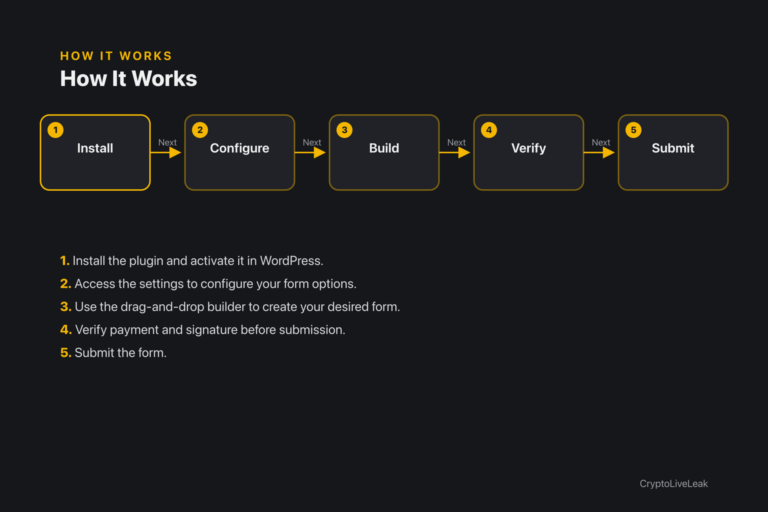
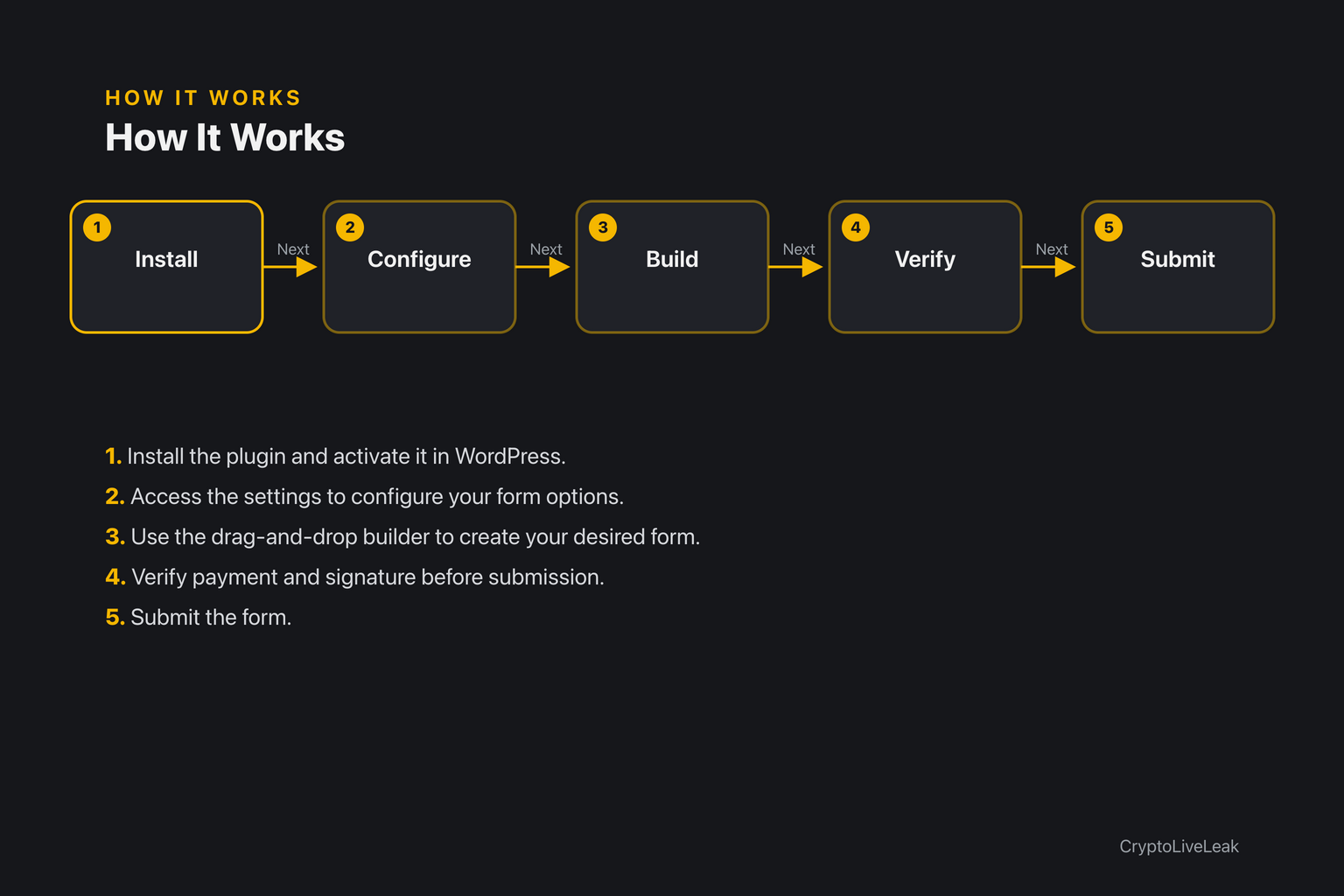
Install the plugin and activate it in WordPress.
Install the plugin and activate it in WordPress.
Access the settings to configure your form options.
Use the drag-and-drop builder to create your desired form.
Requirements
WordPress 6.0 or newer
PHP 7.4 or newer
Tested up to WordPress 6.6
Installation
Upload the plugin zip file through the WordPress admin.
Activate the plugin from the Plugins screen.
Go to Settings FormChain Crypto Forms to configure.
Frequently asked questions
Where are the settings?
Settings are located at Settings FormChain Crypto Forms in the admin area.
Why can't I see the menu item?
You need the 'manageoptions' capability; log in as an Administrator.
Does this plugin take crypto payments yet?
No, the current version does not support payments; it's planned for future releases.
Does it send my data anywhere?
No, the plugin does not make outbound HTTP requests or collect personal data.
Does it create database tables?
No, this plugin does not create any database tables.
Changelog
1.0.0
Initial release. This version is the plugin framework: bootstrap, options layer, admin
settings screen and one extension hook. It contains no payment, signature or form-builder
code.
Added
Plugin bootstrap in `formchain-crypto-forms.php` with the `FORMCHAIN_CRYPTO_FORMS_VERSION`,
`FORMCHAIN_CRYPTO_FORMS_FILE` and `FORMCHAIN_CRYPTO_FORMS_DIR` constants.
`Formchain_Crypto_Forms` core singleton with a `settings()` accessor that type-checks the
stored option and merges it over defaults via `wp_parse_args()`.
`formchain_crypto_forms_init` action, fired on `init` with the settings array, as the
documented extension point for feature code.
`Formchain_Crypto_Forms_Admin` singleton, instantiated only inside `is_admin()`, adding a
settings page under Settings → FormChain Crypto Forms.
Support & documentation